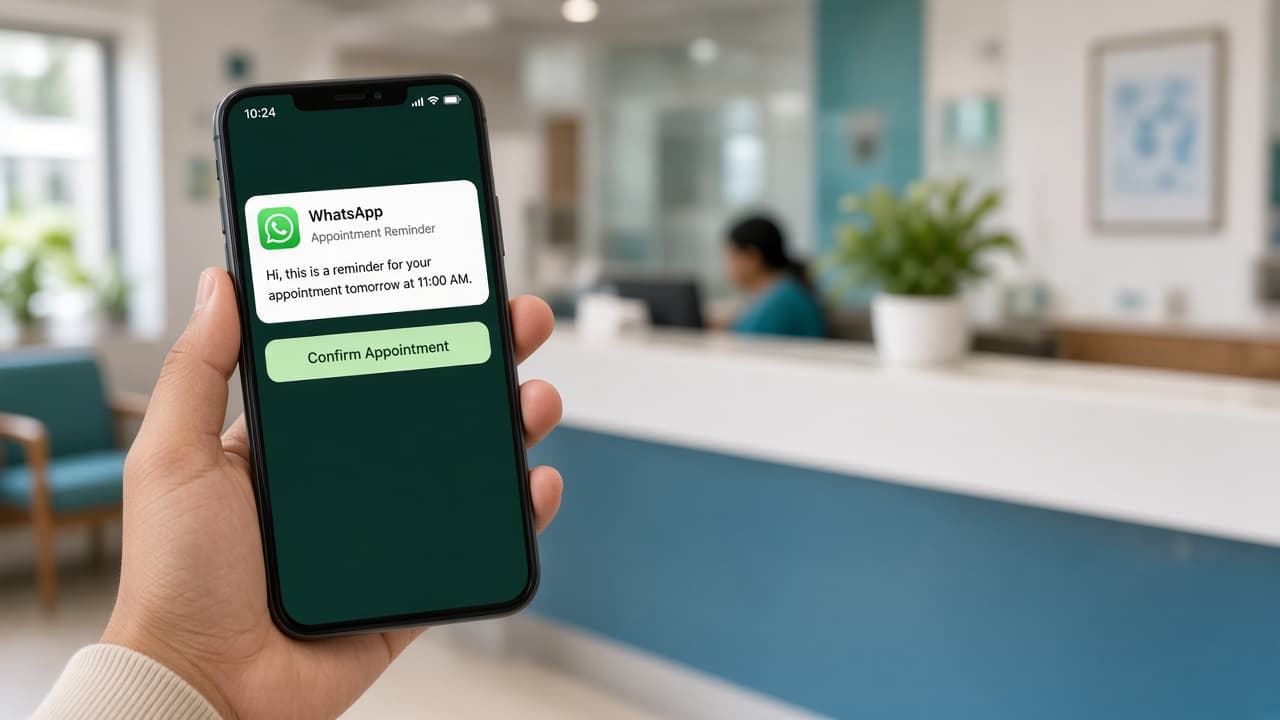
No-shows are rarely malicious. Patients forget, traffic shifts, or they never got a clear confirmation. WhatsApp reminders work because patients already open the app dozens of times a day — you meet them where attention already lives.
Why two reminders beat one long email
A confirmation at booking plus a 24-hour and 2-hour reminder gives patients three chances to confirm, reschedule, or cancel. That protects your doctor’s time and keeps the waiting room honest.
Reminder timeline
- 1
Booked
Day 0
- 2
24h reminder
Day −1
- 3
2h reminder
Same day
- 4
Visit
Slot time
Message copy that feels human
- Lead with clinic name and doctor — “Sharma Clinic · Dr. Mehta · tomorrow 10:30 AM”.
- Offer one clear action: Confirm, Reschedule, or Cancel (staff handles exceptions).
- Use Hinglish when your patients do — formal English-only messages get ignored.
- Never send clinical advice in reminders; keep it operational only.
Measure what matters
Track no-show rate weekly, not daily (small clinics have noisy samples). If reminders are on but no-shows stay high, the issue is often slot length, overbooking, or unclear location — fix ops before adding more messages.
Ready to try CareDesk at your clinic?
Start a free trial, finish setup in one sitting, and share your booking link the same day.