This guide assumes you already signed up as clinic owner. Goal: a patient can book a slot on your public page while you watch it appear on today’s board.
- 1
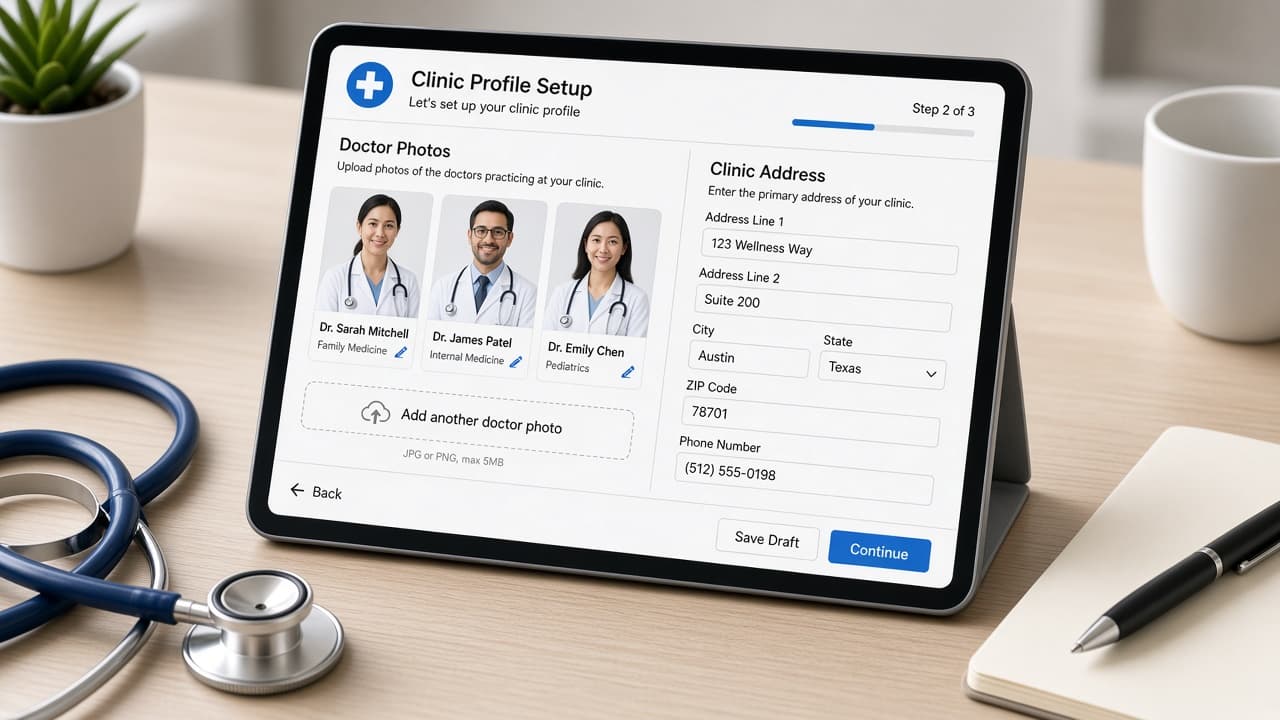
Complete clinic profile (5 min)
Add name, phone, address, and timezone under Clinic. Upload or confirm specialty — it powers your public /clinics page.
- 2
Add one doctor + weekly schedule (10 min)
Doctors → add doctor → set weekly hours. Add one blocked lunch window to see how blocks hide slots.
- 3
Create two services (5 min)
Services → e.g. Consult (15 min) and Follow-up (10 min) with fees if you display them publicly.
- 4
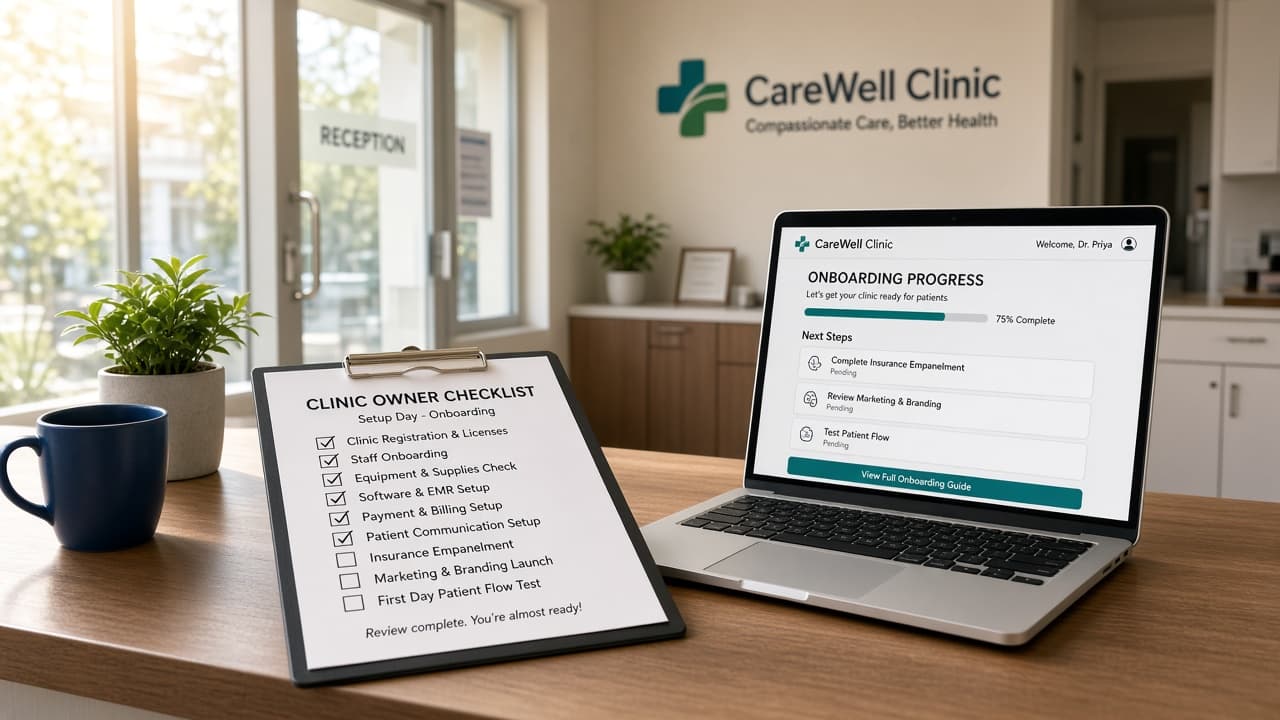
Run onboarding wizard (5 min)
Setup → finish steps until 100%. Copy your public booking link and QR from Clinic.
- 5
Book a test appointment (5 min)
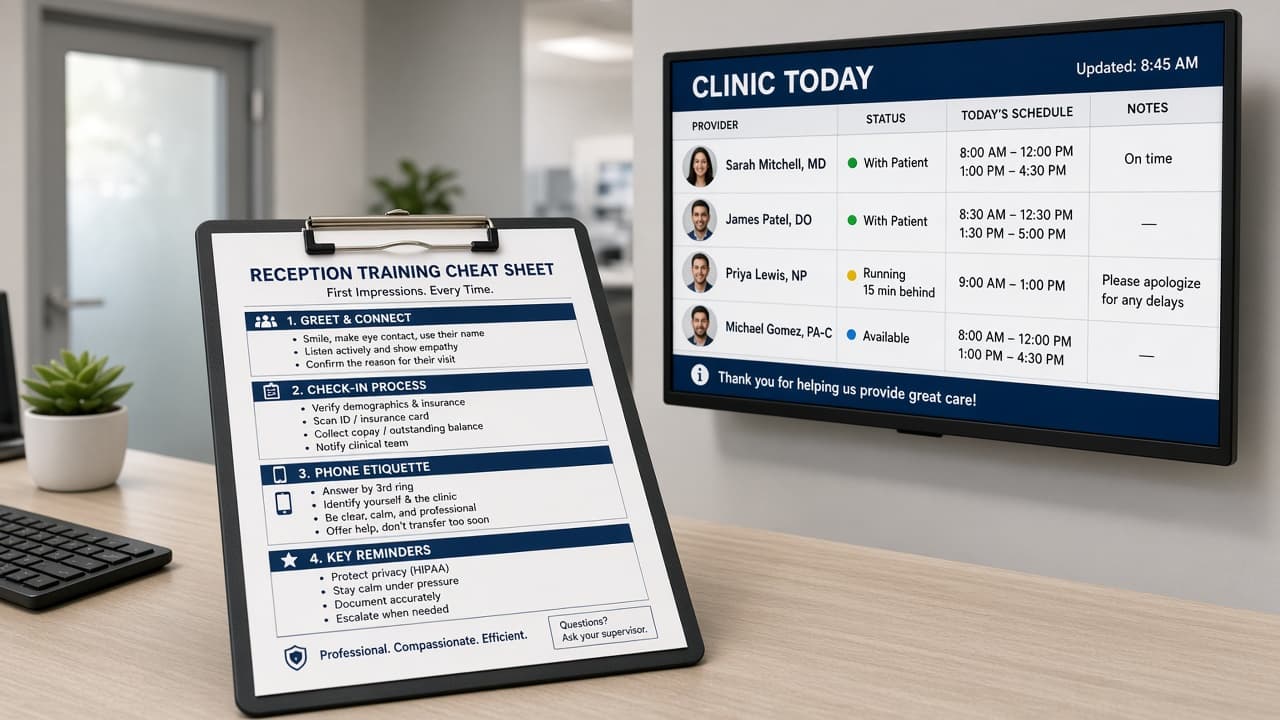
Open /book/your-slug on your phone, pick slot, submit. Confirm it on /app today board.
Good morning, Priya
Today's board
28
appointments
- 09:00Rahul KumarConfirmed
- 09:30Amit VermaWaiting
- 10:00Neha SinghConfirmed
- 10:30Priya SharmaCancelled
Ready to try CareDesk at your clinic?
Start a free trial, finish setup in one sitting, and share your booking link the same day.