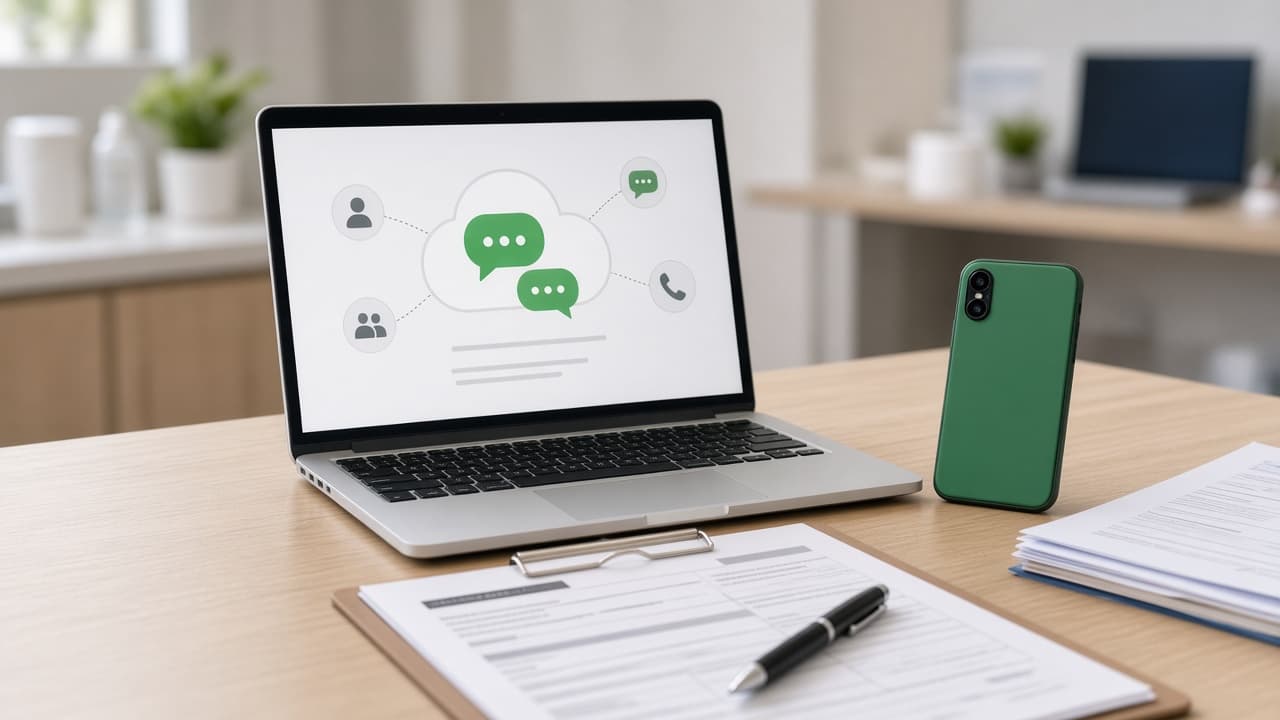
WhatsApp Business Platform uses Meta’s Cloud API. CareDesk consumes webhooks and sends operational messages through your connected number — patients still see your clinic brand in WhatsApp.

Sharma Clinic
CareDesk AI Receptionist
Before you start
- Meta Business Manager access for the clinic or agency.
- Phone number eligible for WhatsApp Business (not personal-only restrictions).
- CareDesk plan with WhatsApp reminders or automation entitled.
Configuration flow
- 1
Meta: create / verify WhatsApp Business app
Follow Meta’s developer docs for Cloud API. Note phone number ID and business account ID.
- 2
CareDesk: Clinic → WhatsApp status
Enter credentials your deployment expects (often env-assisted on the API). Confirm webhook health on backend.
- 3
Templates
Submit reminder and confirmation templates in Meta; use approved names in backend config.
- 4
Inbox test
Message your clinic number from a personal phone. See thread in /app/conversations; try take-over and reply.
Ready to try CareDesk at your clinic?
Start a free trial, finish setup in one sitting, and share your booking link the same day.