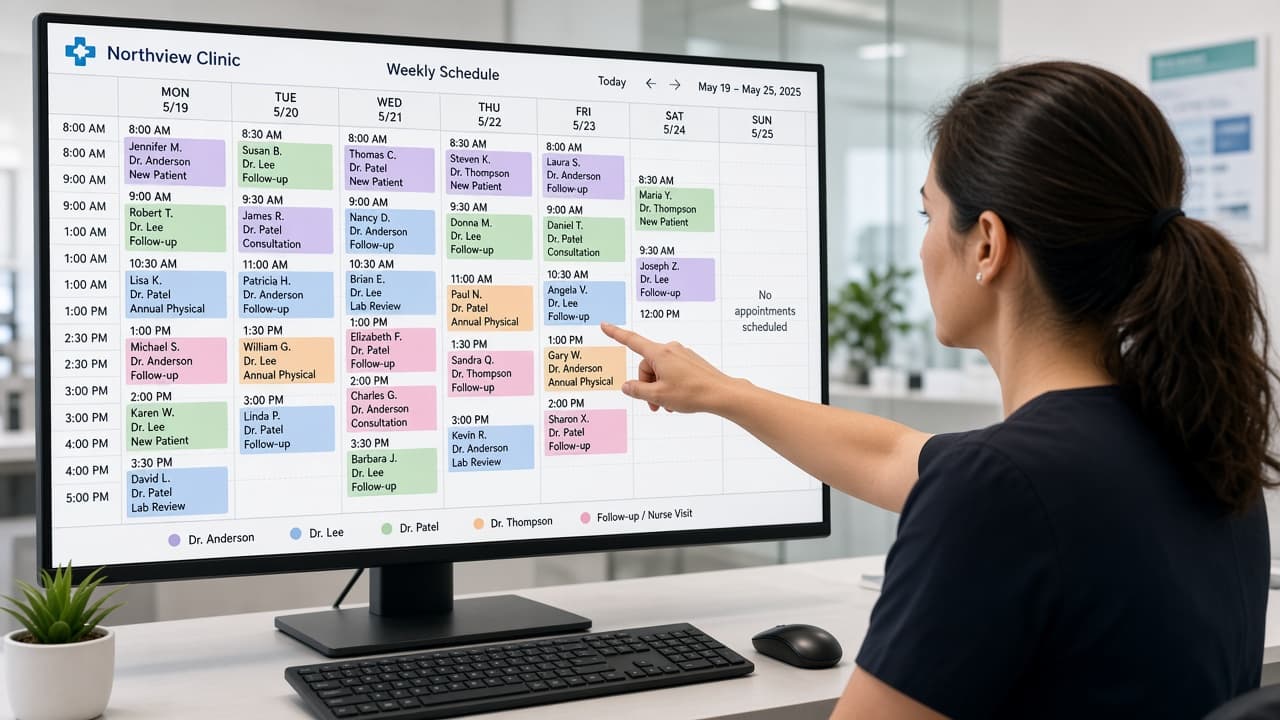
Appointments now include List, Day, and Week toggles. Use List for status actions, Day for hourly density, and Week to spot empty chairs.
- 1
Open Appointments
Go to /app/appointments. The date picker still drives booking slots.
- 2
Try Day view
See 08:00–19:00 rows. Tap an appointment to reschedule when status allows.
- 3
Try Week view
Scan Mon–Sun. Tap a day header to jump into Day view for that date.
Good morning, Priya
Today's board
28
appointments
- 09:00Rahul KumarConfirmed
- 09:30Amit VermaWaiting
- 10:00Neha SinghConfirmed
- 10:30Priya SharmaCancelled
Ready to try CareDesk at your clinic?
Start a free trial, finish setup in one sitting, and share your booking link the same day.